One preview source
The Scene and Export views share the same Canvas renderer, so the visible product image no longer drifts away from the downloadable asset.
Offline launch-image builder
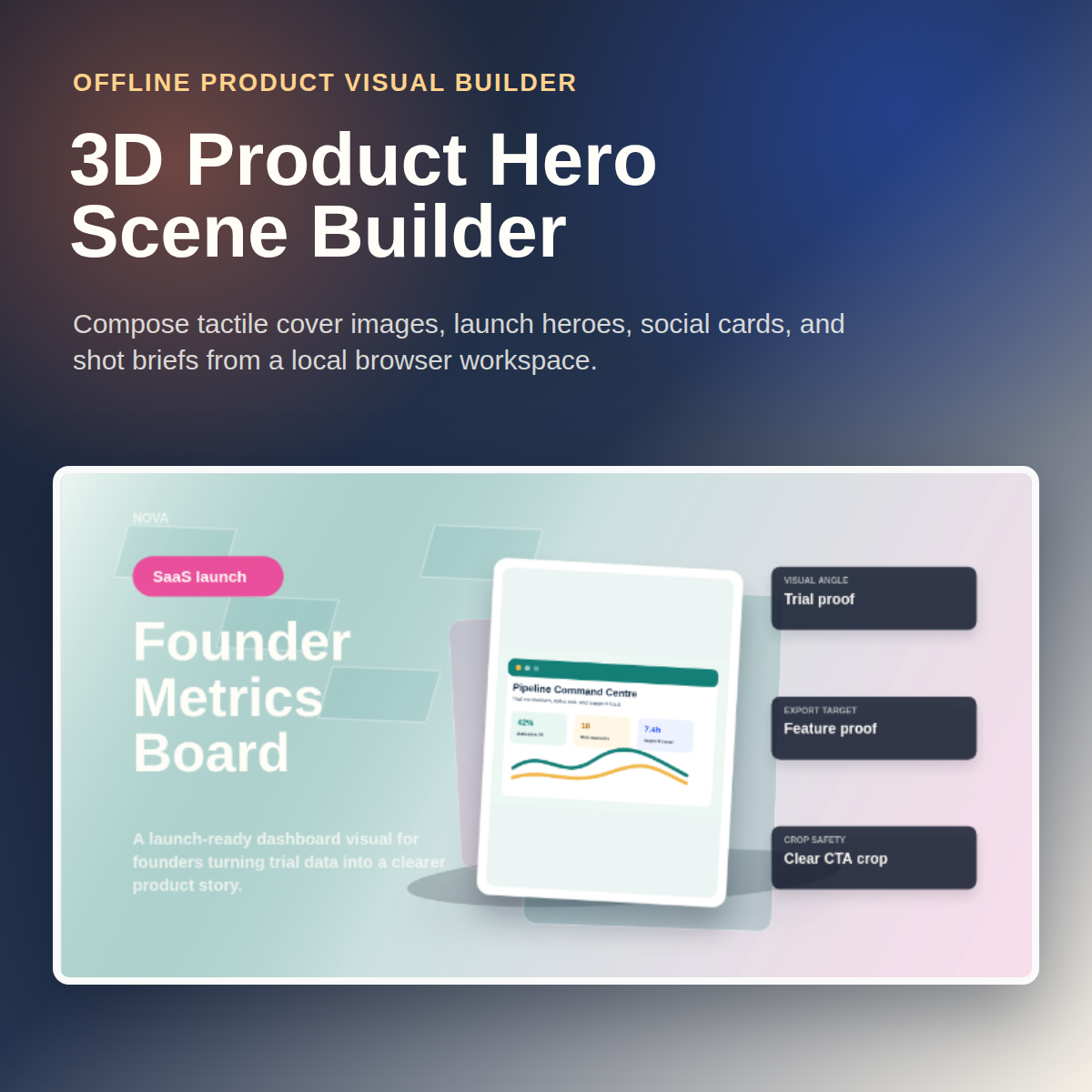
Turn a product title, screenshot, cover image, colour palette, and launch notes into polished Gumroad covers, social previews, sales-page heroes, and reusable shot briefs.
What you get
Start from a scene preset, replace the product story, add your own screenshot or cover image, then tune the palette, cards, chips, lighting, material, and camera feel. The preview and export panels use the same renderer, so the image you inspect is the one you download.
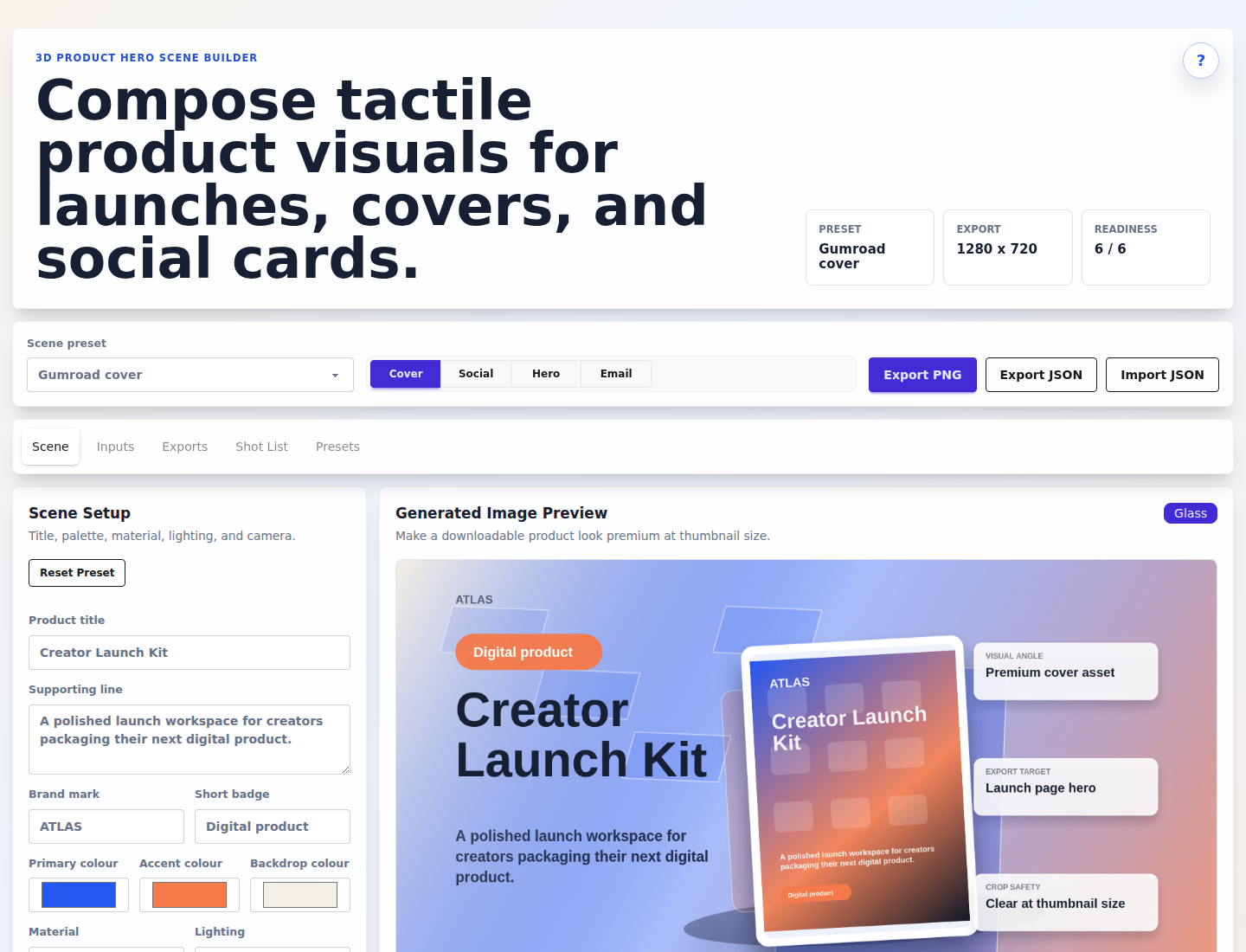
The Scene and Export views share the same Canvas renderer, so the visible product image no longer drifts away from the downloadable asset.
Compose Gumroad covers, SaaS heroes, template spreads, course stacks, app showcases, and creator toolkit visuals from editable presets.
Download cover, social, hero, and email image sizes, then reuse the Markdown shot brief or JSON scene file for future launches.
Real product screenshots
These screenshots come from the actual buyer-facing product. Open any preview to inspect it full-size.
Workflow
Choose the scene preset closest to the asset you need: cover, social preview, launch hero, or product showcase.
Replace the title, subtitle, badge, proof cards, chips, notes, and colours with your actual product story.
Upload a screenshot or product cover, then check the generated image before exporting it.
Download PNGs, a Markdown shot brief, or a JSON scene file to reuse across future launches.
Private by default
The workspace runs locally in your browser. It is built for shaping launch visuals from product material you already control, while keeping draft screenshots, covers, and copy on your own machine.
One-time purchase
Download the offline visual builder, six launch scene presets, export templates, example inputs, sample exports, README, changelog, and licence.
Open Gumroad checkout